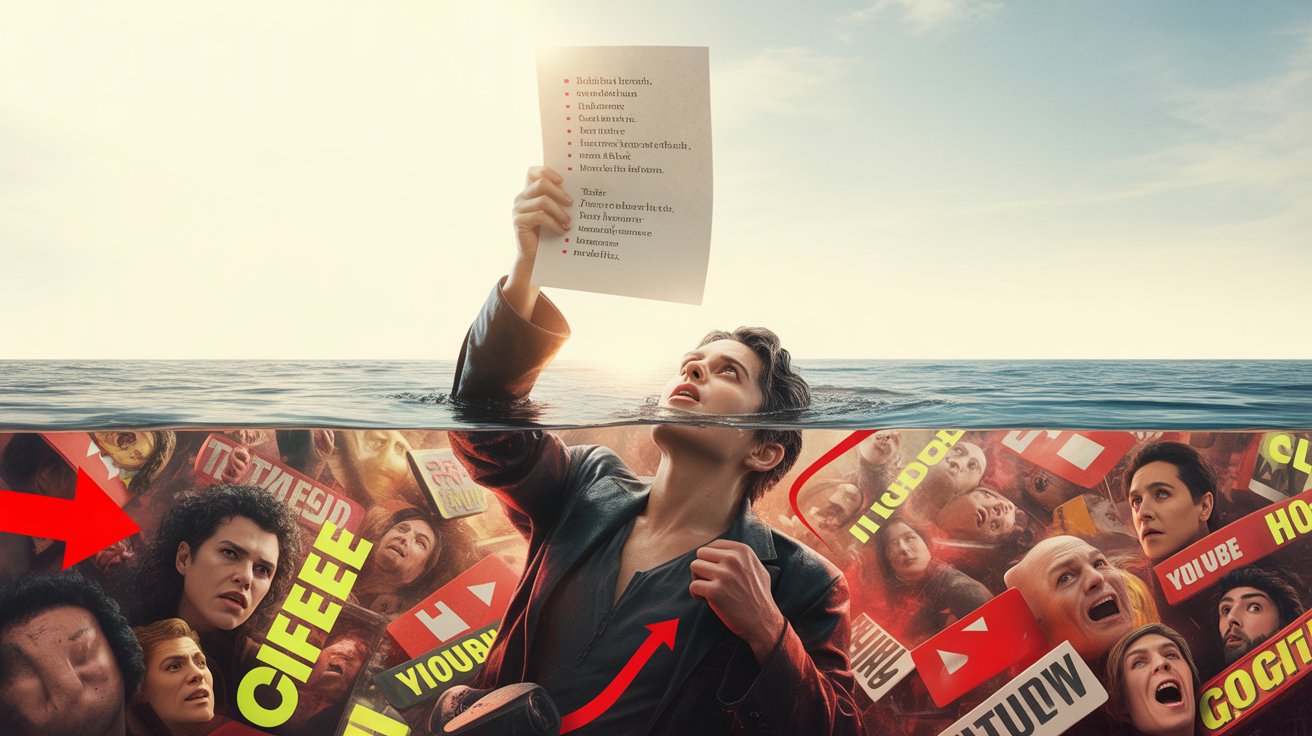
You open a video. Twelve minutes. You watch. You wait. The one insight you came for arrives at minute nine — buried under filler, recaps, and sponsor breaks.
I built this add-on because I got tired of it.
What it does
YouTube Transcript Distiller fetches the full transcript of any YouTube video, sends it to Google Gemini AI with a customizable prompt, and posts the result directly into the YouTube comment field — formatted and ready to publish.
One click. The important points, right where other viewers can see them.
Why post it as a comment?
A good summary helps everyone. The more users share what a video is actually about, the less time we all waste on clickbait and padded content. YouTube’s own algorithm rewards watch time — this add-on rewards substance.
How to get it
- Install the add-on from Firefox Add-Ons
- Get a free Gemini API key at aistudio.google.com/app/apikey
- Enter the key under add-on settings (gear icon next to the button)
- Open any YouTube video with subtitles and click Transcript Distiller
That’s it.
Features
- AI-powered summary via Google Gemini (free API key required)
- Posts directly into the YouTube comment field
- Prompt fully customizable — change the instruction to anything you want
- Supports 11 languages: Arabic, Chinese, English, French, German, Hindi, Japanese, Korean, Portuguese, Russian, Spanish
- UI adapts to your browser language automatically
- Your API key stays in your browser — no tracking, no data collection
Usage statistics
Response languages
| Language | Count | |
|---|---|---|
| DE | 665 | |
| EN | 139 | |
| FR | 41 | |
| ZH | 8 | |
| RU | 6 | |
| HI | 3 | |
| ES | 3 | |
| AR | 1 |
Source code
The full source is on GitHub: github.com/michaelruck/yt-transcript-distiller
Built at
marsgasse.com — Just another Basement Lab